
Gameplay Guide
MONSTER CAMPFIRE BEGINNER'S GUIDE: EVERY SYSTEM EXPLAINED
A complete walkthrough of Monster Campfire's core systems for brand-new players: the gameplay loop, customer types, minions, and progression.

Published on
July 08, 2026
Share this story:


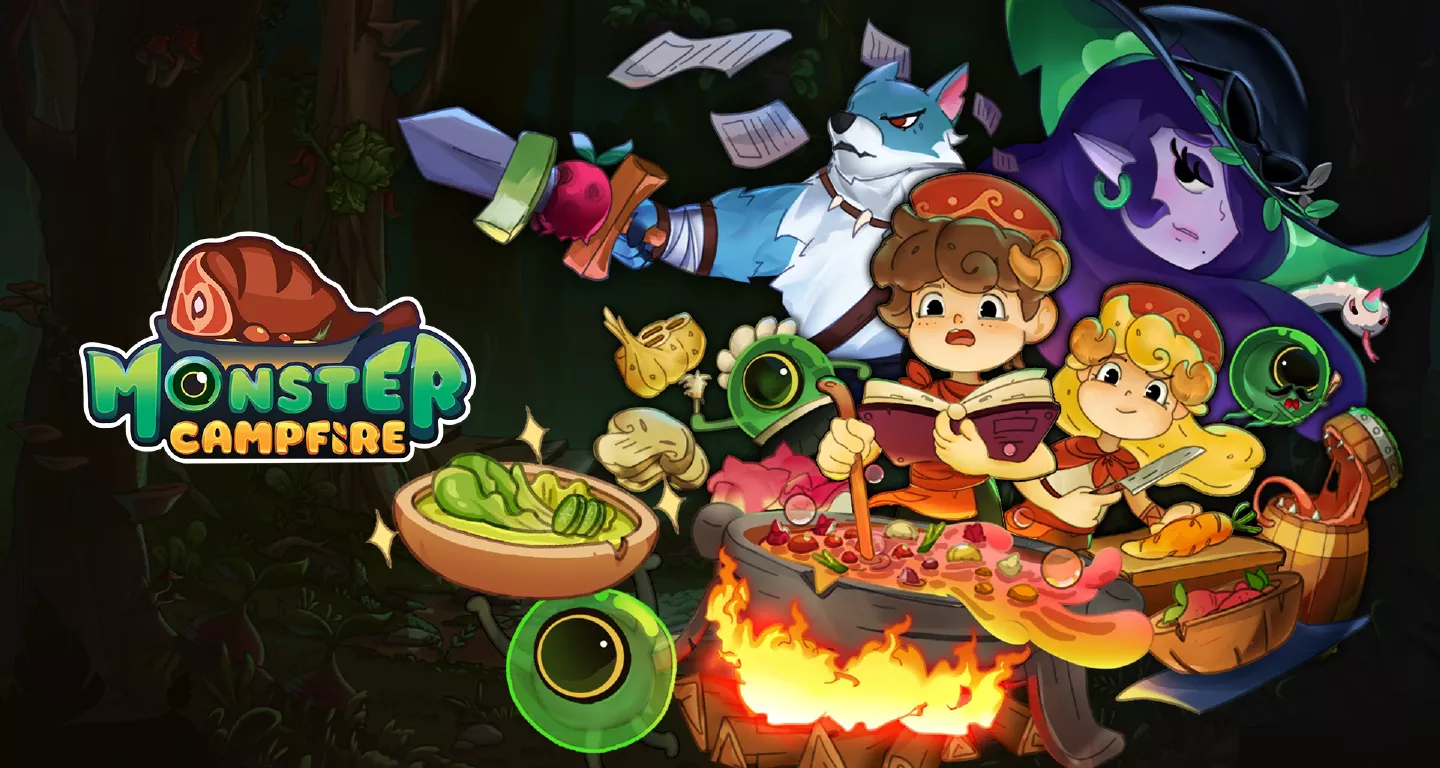
Monster Campfire is a free-to-play restaurant sim: you serve monster customers, earn Gold and Runes, and reinvest into upgrades and decorations to unlock new chapters. The one thing every new player misses — General customers cook automatically, but VIP customers need you to manually play the cooking minigame yourself.
What Is Monster Campfire?
Monster Campfire is a free-to-play restaurant simulation game for iOS and Android, built around a cozy, relaxing tone. You play a campfire owner running a restaurant full of monster customers, while the story follows a lost human character trying to find his way home. Cute art and a friendship-driven story carry the game, which makes it a strong fit for casual and idle-game fans.
The Core Gameplay Loop
Everything in Monster Campfire runs through three repeating steps:
- Serve customers through the cooking minigame to earn Gold and Runes.
- Reinvest that Gold into cooking stations, decorations, and minions.
- Unlock new content — story chapters, customers, and recipes — as your restaurant grows.
This loop is the whole game. Every other system below plugs into one of these three steps.
General vs. VIP Customers
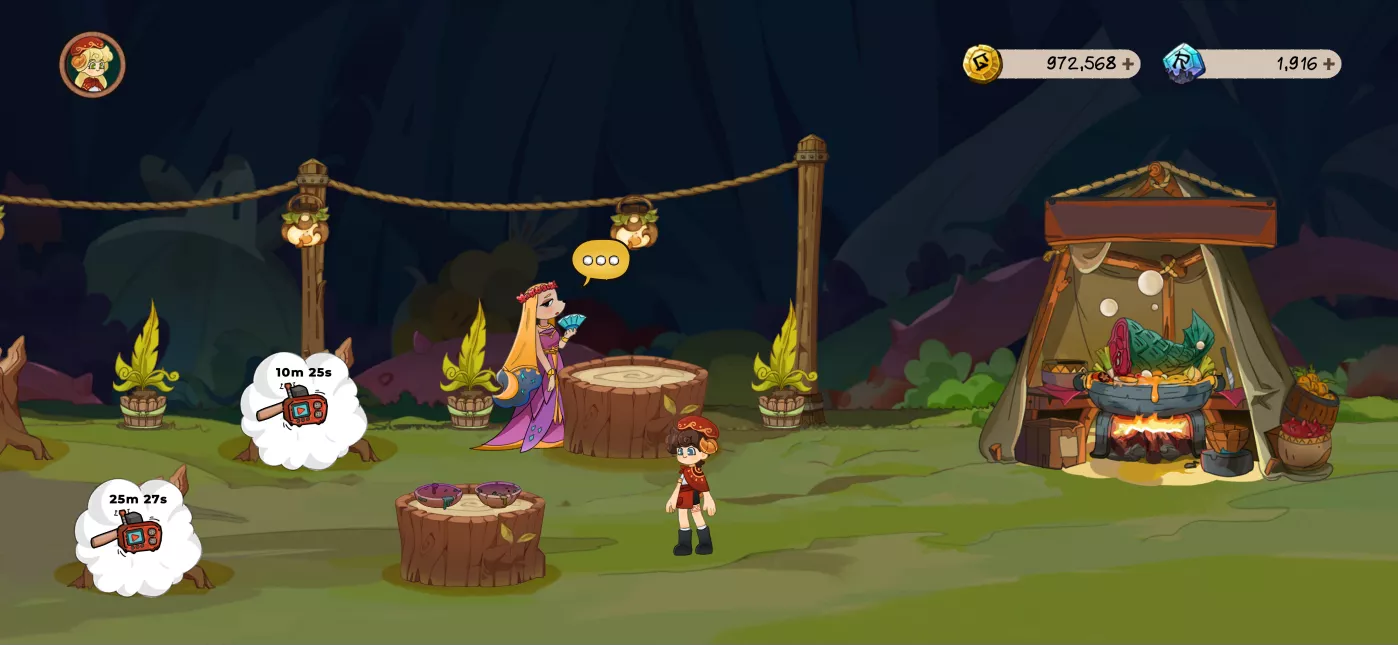
Monster Campfire splits customers into two types, and mixing them up is the single biggest early-game confusion.
General Customers
You take their order, and the game cooks the food for them automatically. No minigame, no waiting — just seat them and collect the reward.
VIP Customers
VIP customers open with a short dialogue before ordering, and you must manually prepare their food yourself in a dedicated Cooking Scene. After either customer type finishes eating, they leave a dirty plate — clear it before the next customer can sit down.
How the Cooking Minigame Works
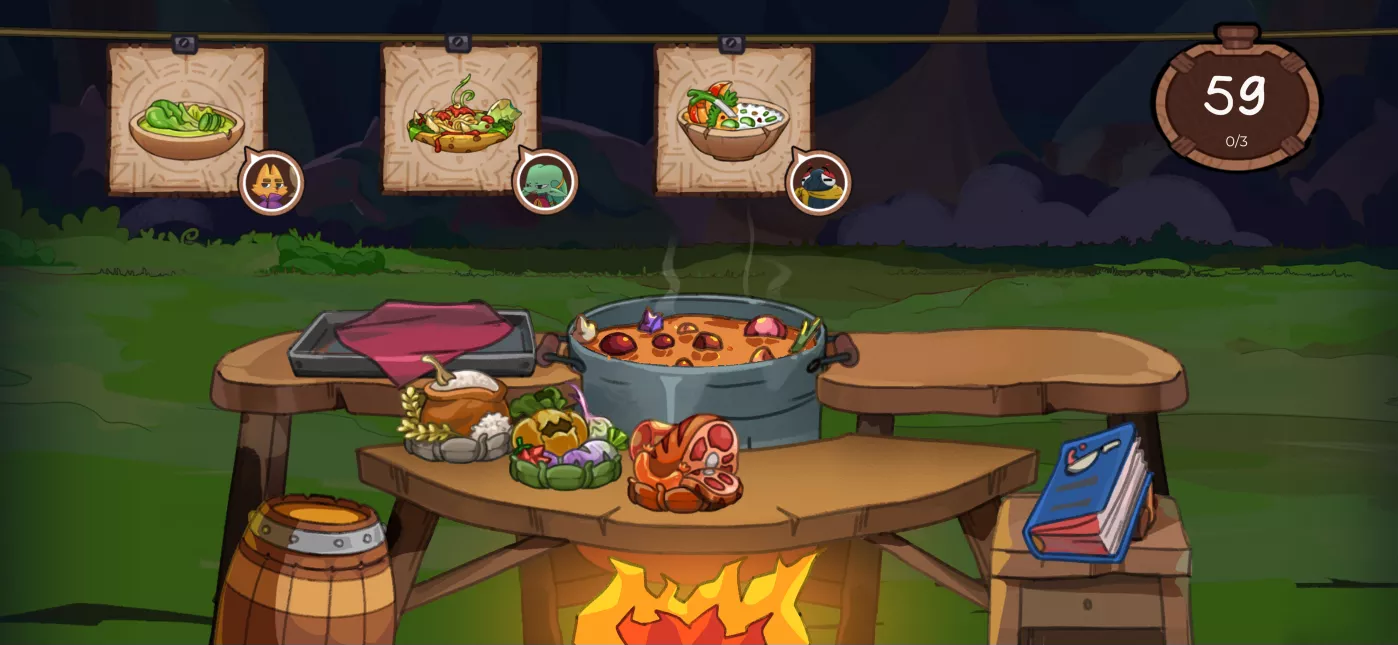
The cooking minigame is the game's active-play moment. A cooldown-based Cooking Icon triggers it for regular customers, while VIP and unique orders trigger it automatically. Drag and mix the right ingredients to match the requested dish. Serve the correct dish and you earn money; serve the wrong one and the customer leaves empty-handed.
Minions: Your Restaurant Helpers
Four minion types automate parts of the loop once you unlock them with currency and furniture progress:
| Minion | What it automates |
|---|---|
| Serving (free) | Delivers finished food to customers |
| Order | Takes customer orders automatically |
| Cleaner | Clears dirty plates from tables |
| Entertainer | Boosts earnings or grants buffs |
Each minion has its own stats, like action speed, that improve how well it performs its job — upgrading them matters as much as unlocking them.
Ingredients, Dishes, and Research
Ingredients are your base cooking resources, stored on the Ingredient Storage screen and unlocked as your restaurant progresses. Every dish needs a specific combination of ingredients, and new dishes can be researched with Gold. Serving the right dish to the right customer pays out Gold, Runes, or relationship points, depending on who you're serving.
Decoration and Restaurant Stars
Decoration mode lets you place and rearrange furniture — tents, tables, plants, lighting — in designated spots around your restaurant. Every piece you place adds "stars" toward your overall Restaurant Star rating. That rating unlocks new minions, ingredients, and features, and it speeds up how fast you can serve customers as it climbs.
Chapter Missions and Progression
Story progress comes in chapters, unlocked by hitting goals like fulfilling a set number of orders, collecting furniture stars, or unlocking new ingredients. Each chapter adds fresh story content and introduces new customers, tying the loop, minions, and decoration systems together into one progression track.
Currencies: Gold, Runes, and Event Currency
Three currencies drive everything above:
- Gold — free, earned through normal gameplay; funds upgrades and new dishes.
- Runes — the premium currency, used for faster or bigger upgrades.
- Event Currency — limited-time currency tied to seasonal content, like the Lucky Wheel event.
Tips for Your First Session
A few habits pay off from day one:
- Clear plates fast. A dirty table blocks the next customer, so treat plate-clearing as part of the loop, not an afterthought.
- Prioritize the Serving minion first. It's free, and it removes the most repetitive tap in the whole game.
- Don't rush VIP orders. They pay more and often unlock story dialogue, so take the extra few seconds to get the dish right.
FAQ
Is Monster Campfire pay-to-win? No — every core system (cooking, minions, decoration) can be unlocked with free Gold; Runes just speed things up.
What's the difference between General and VIP customers? General customers cook automatically; VIP customers require you to manually play the cooking minigame yourself.
Do I have to manually cook every dish myself? No — only VIP and unique orders require manual cooking. Regular customers are handled automatically once you take their order.
Sources: Monster Campfire: Cooking — App Store · Monster Campfire: cooking game — Google Play